



Get In Touch
Our customer support team is available for help.
Let's Talk Business!
© Copyright 2026 @ ERP Peers


Most small businesses don’t start with an ERP system—and they shouldn’t.
In the early stages, a mix of accounting software, spreadsheets, and a few operational tools is usually enough to keep things running. It’s cost-effective, easy to manage, and doesn’t require much setup.
But as the business grows, something changes.
What once felt simple starts becoming difficult to manage. Financial data lives in one system, sales data in another, and critical reports are built manually in spreadsheets. Teams begin spending more time reconciling data than actually using it.
You might notice it in subtle ways at first:
Or in more obvious ways:
Tools like QuickBooks or Xero are excellent at what they’re designed for—but they’re not built to handle growing operational complexity across multiple functions.
This is typically the point where businesses start exploring cloud ERP systems—not because they want to upgrade their software, but because their current systems are no longer supporting how the business operates.
In this guide, we’ll break down what small businesses actually need to know before choosing a cloud ERP—from when it makes sense to invest, to how to evaluate the right system, and which options are worth considering.
Not every growing business needs an ERP system right away. In fact, implementing one too early can add unnecessary cost and complexity.
But there’s a clear point where your existing systems stop supporting your growth—and that’s when the conversation around cloud ERP becomes relevant.
The challenge is that this shift doesn’t happen overnight. It shows up gradually in your day-to-day operations.
One of the earliest signs is in finance.
What used to take a few days—like closing monthly books or generating reports—starts stretching into weeks. Your team spends more time validating numbers than analyzing them.
This usually happens because:
At this stage, the issue isn’t your team—it’s the limitation of disconnected tools.
Most small businesses operate with a stack like:
Individually, these tools work well. But together, they create fragmentation.
The result?
A cloud ERP replaces this patchwork with a unified system, where all functions operate on the same dataset.
As operations grow, visibility becomes critical.
But many businesses reach a point where:
This makes it difficult to answer simple but important questions:
Cloud ERP systems are designed to solve this by providing live, consolidated reporting across the business.
Growth is a good problem—but it brings complexity that basic systems aren’t designed to handle.
This becomes evident when:
At this stage, processes that once worked begin to break down—not because they’re wrong, but because they weren’t built to scale.
One of the less obvious—but most impactful—signals is slower decision-making.
When data isn’t readily available or trusted, leadership teams hesitate. Decisions get pushed back, or worse, made based on incomplete information.
Over time, this affects:
For most small businesses today, cloud ERP has become the preferred choice due to lower upfront costs, flexibility, and easier scalability. If you’re still evaluating deployment options, understanding the differences between cloud and on-premise systems is an important first step—this is covered in more detail in our blog cloud ERP vs on-premise ERP.
Instead of managing servers, software updates, and infrastructure, cloud ERP systems are accessed through a browser, with everything managed by the provider. This significantly reduces the upfront investment and ongoing IT effort.
More importantly, cloud ERP changes how businesses operate on a day-to-day level.
It brings financials, operations, and reporting into a single system, making it easier to work with real-time data rather than relying on manually consolidated reports. This shift alone has a direct impact on how quickly and confidently decisions can be made.
Another key advantage is flexibility. As businesses grow—whether by adding new locations, entities, or product lines—cloud ERP systems can scale without requiring a complete system overhaul.
To put it simply:
| What Changes | With Cloud ERP |
|---|---|
| System management | Handled by the provider |
| Data access | Real-time, centralized |
| Scalability | Built to grow with the business |
| Upfront investment | Significantly lower than traditional ERP |
Not all cloud ERP systems are built the same. While most platforms offer a broad set of capabilities, what really matters is whether they align with how your business operates today—and how it will scale.
Instead of looking at long feature lists, focus on a few core areas that directly impact day-to-day operations.
Choosing the right cloud ERP isn’t about finding the most popular system—it’s about finding the one that fits how your business operates today and how it will grow over the next few years.
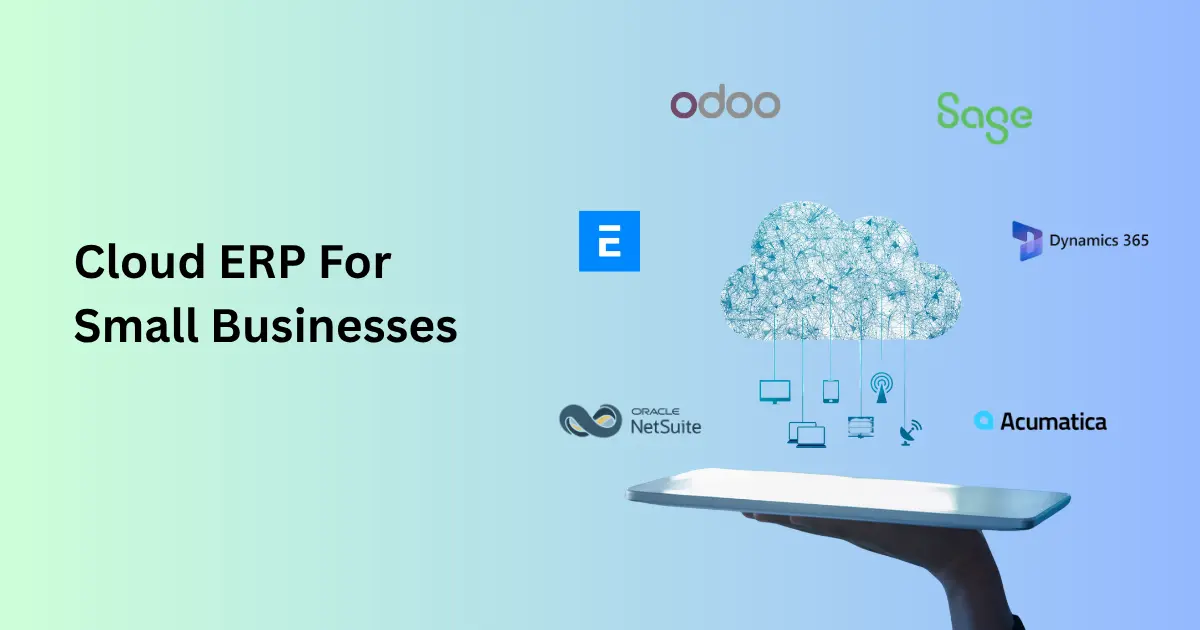
Below is a closer look at the most relevant cloud ERP options, with practical context on where each one fits.
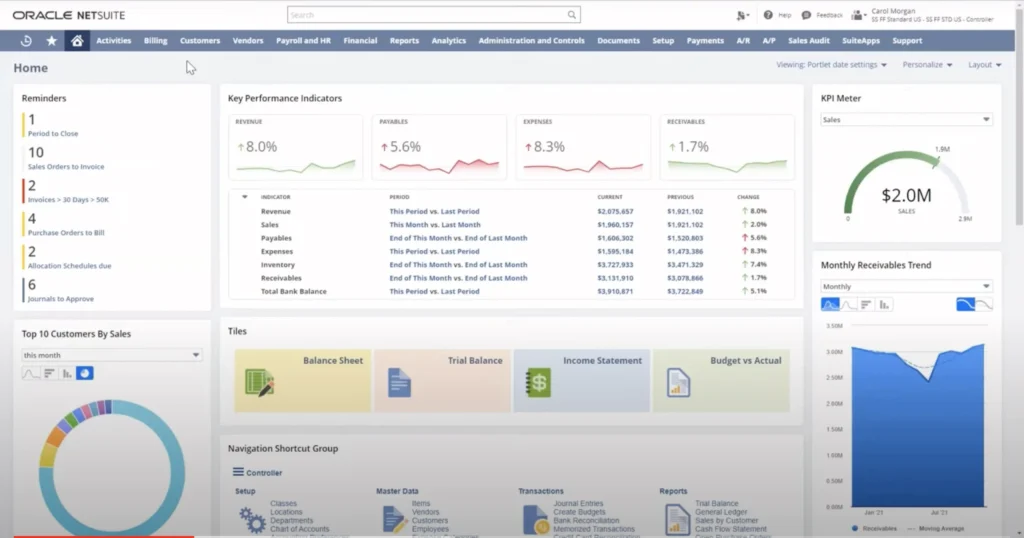
Best for: Small to mid-sized businesses planning to scale operations or expand globally
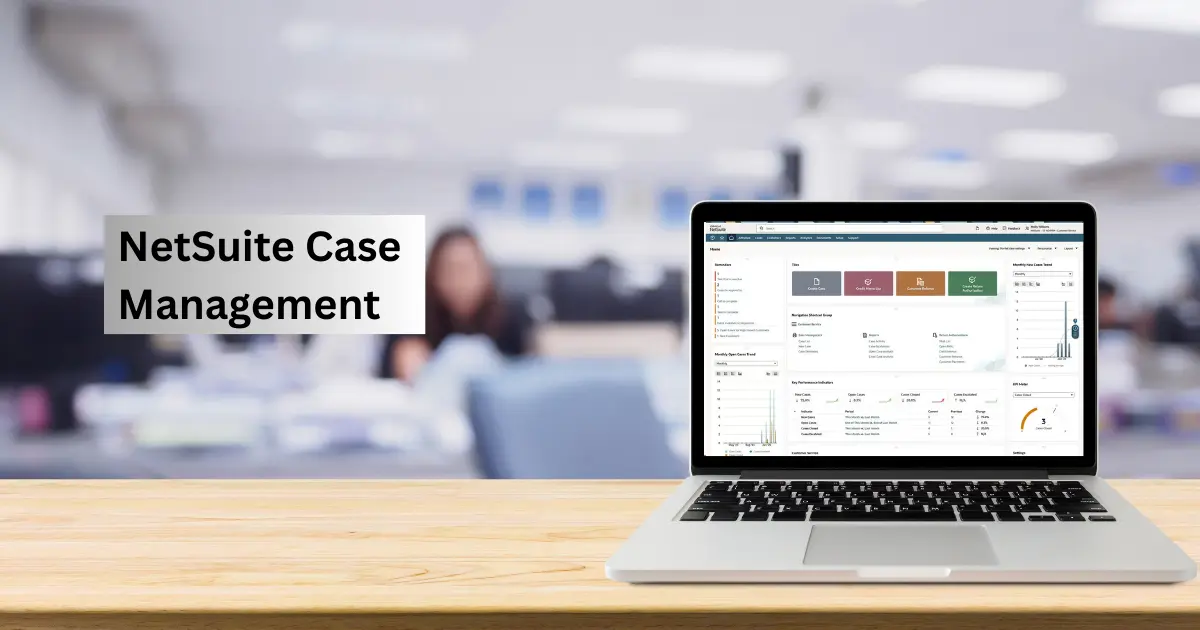
NetSuite is often considered the benchmark for cloud ERP because it brings everything—financials, inventory, CRM, and reporting—into a single system.
Where it becomes especially valuable is when businesses move beyond basic accounting and start dealing with multi-entity structures, international operations, or high transaction volumes.
What it handles well:
In practice:
A growing eCommerce or wholesale business can manage orders, inventory, and financials in one place without relying on separate tools.
Pricing (typical):
NetSuite pricing can vary significantly based on modules, user count, and business complexity, which is why it’s important to understand what drives these costs in detail.
Where it may not fit:
Very small businesses with simple operations or limited budgets.
If you’re specifically evaluating NetSuite against other platforms, it’s worth exploring a detailed breakdown of NetSuite ERP competitors to understand how it compares across different use cases.
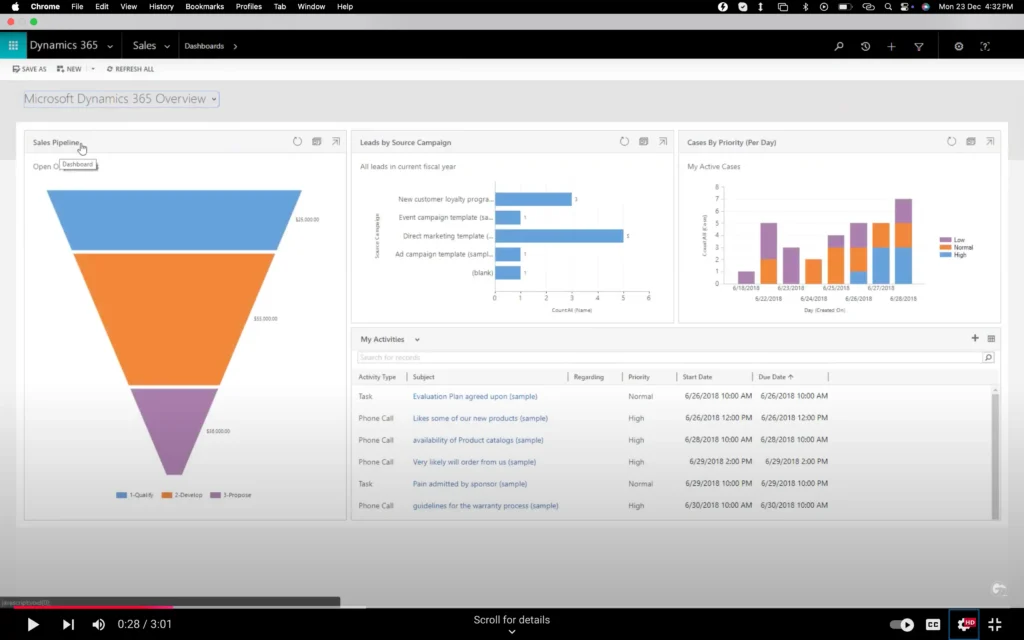
Best for: Businesses already using Microsoft tools and looking for a familiar system
Business Central is often the next step for companies using Excel-heavy processes or Microsoft-based workflows. It offers solid ERP functionality while keeping the interface and integrations familiar.
What it handles well:
In practice:
Finance teams that rely heavily on Excel can transition smoothly, using live ERP data directly within familiar tools.
Pricing (typical):
Where it may not fit:
Businesses with complex operational needs or advanced inventory requirements without customization.
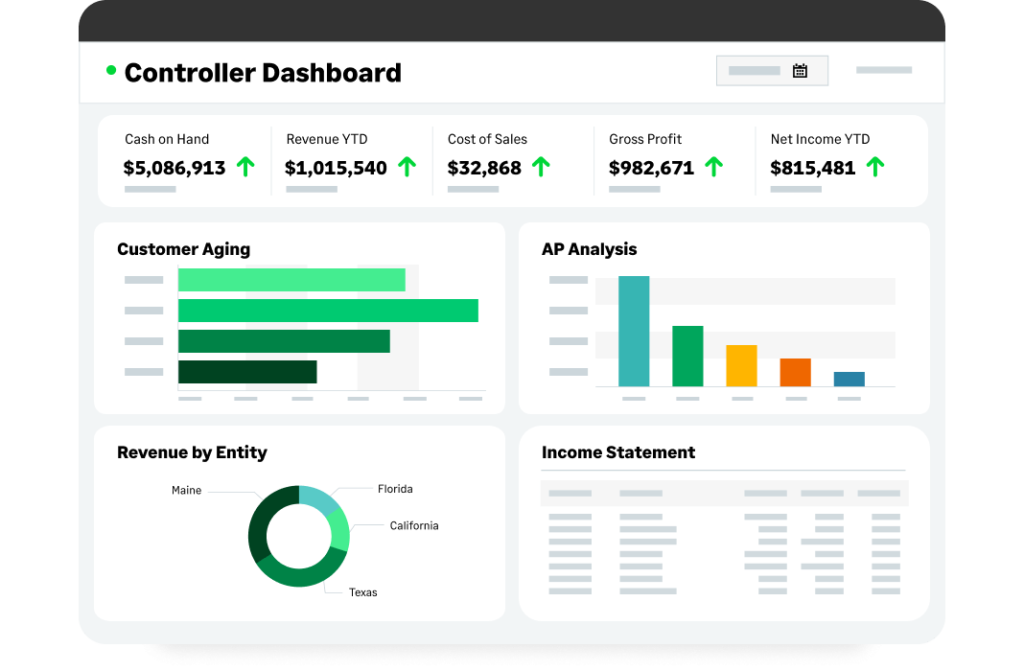
Best for: Service-based businesses that need strong financial control and reporting
Sage Intacct is designed with a finance-first approach. It’s particularly strong for organizations that need deep visibility into financial performance across entities, departments, or projects.
What it handles well:
In practice:
A consulting or SaaS business can track revenue, expenses, and profitability across multiple business units with detailed reporting.
Pricing (typical):
Where it may not fit:
Product-based businesses needing strong inventory or supply chain capabilities.

Best for: Small businesses looking for flexibility with a lower initial investment
Odoo stands out because of its modular approach—you can start with a few applications and add more as needed. This makes it attractive for businesses that want to avoid large upfront ERP investments.
What it handles well:
In practice:
A small business can start with CRM and invoicing, then gradually add inventory or accounting as operations grow.
Pricing (typical):
Where it may not fit:
Businesses that need a fully structured, enterprise-grade system from the start.
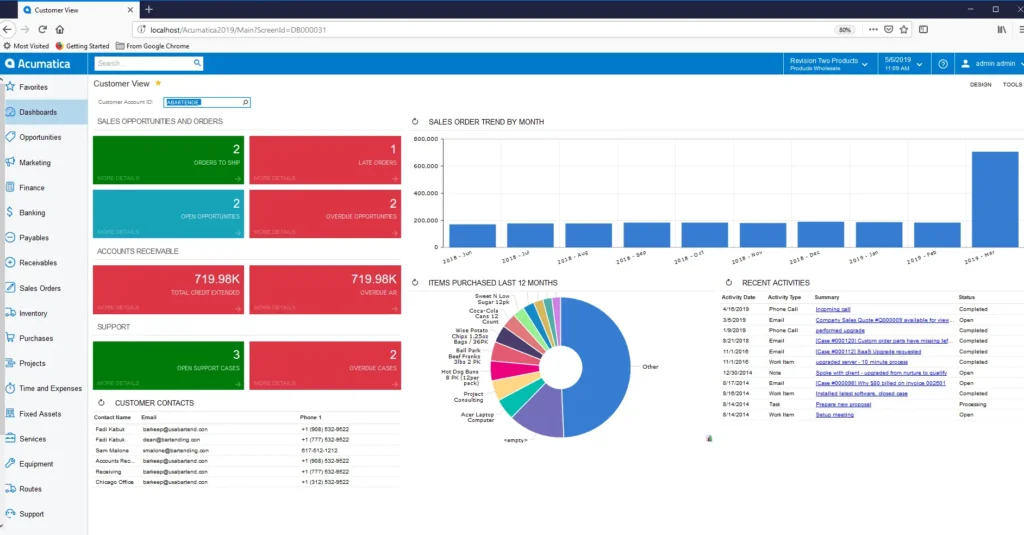
Best for: Businesses with operational complexity, especially in distribution or manufacturing
Acumatica is designed for companies where operations—inventory, supply chain, projects—are just as important as financials.
Its pricing model (not based on users) also makes it attractive for teams with many system users.
What it handles well:
In practice:
A distribution or manufacturing business can manage inventory, purchasing, and financials in a unified system without per-user cost constraints.
Pricing (typical):
Where it may not fit:
Very small teams with simple workflows.
Best for: Small businesses looking for a free or low-cost ERP to get started
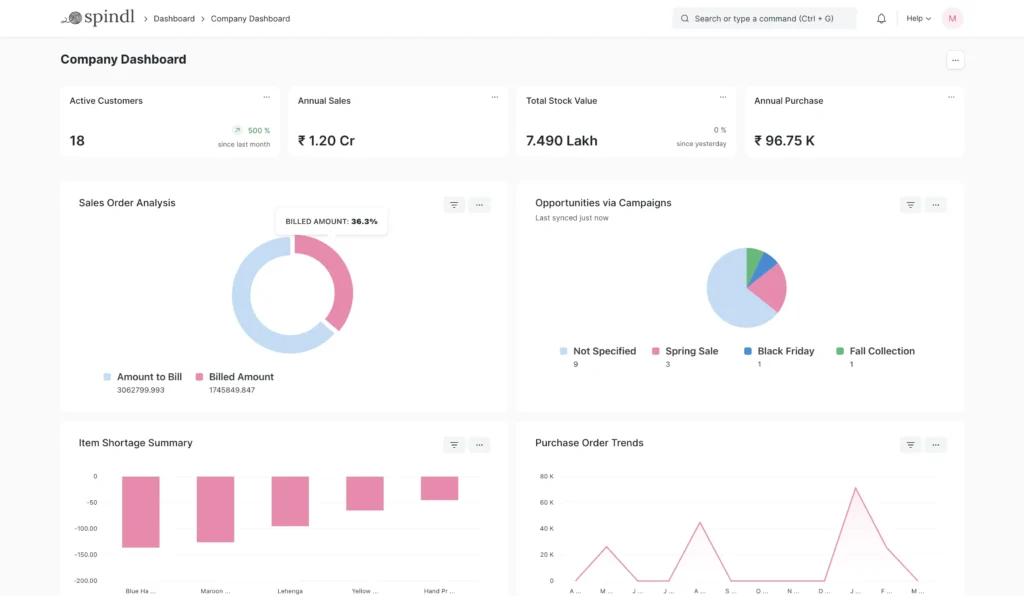
ERPNext is an open-source cloud ERP that covers a wide range of business functions, including accounting, inventory, CRM, and HR. It’s often considered by businesses that want to avoid licensing costs and are comfortable with a more hands-on setup.
What it handles well:
In practice:
A small business with basic operational needs can use ERPNext as an entry-level ERP without significant upfront investment.
Pricing (typical):
Where it fits well:
Early-stage or budget-conscious businesses exploring a free cloud ERP for small business setup.
Limitations to consider:
Requires technical expertise for setup, customization, and maintenance. It may not scale as smoothly for more complex or rapidly growing operations compared to more mature ERP platforms.
By this stage, most businesses have a shortlist of ERP systems. The challenge is no longer understanding features—it’s choosing the one that fits your operations and growth plans.
Instead of comparing tools endlessly, focus on how well each option aligns with your business in a few key areas.
ERP requirements vary significantly based on how your business operates.
| Business Type | What to Prioritize |
|---|---|
| eCommerce / Retail | Inventory, order management, integrations |
| SaaS / Services | Revenue tracking, financial reporting |
| Manufacturing | Production, supply chain, inventory |
A more detailed breakdown of this approach is covered in our ERP selection criteria guide.
An ERP system should support your business not just today, but as it grows.
This becomes critical if you plan to:
Choosing a system that can’t scale often leads to reimplementation within a few years—something most businesses underestimate.
ERP pricing isn’t just about subscription fees.
In most cases, the larger investment comes from implementation and ongoing support.
| Cost Area | What It Typically Includes |
|---|---|
| Software | Subscription or licensing |
| Implementation | Setup, configuration, data migration |
| Customization | Adjusting workflows |
| Training & Support | Adoption and ongoing improvements |
Two systems with similar pricing can have very different total costs depending on these factors.
ERP success depends more on implementation than the software itself.
Before making a decision, it’s important to understand:
Even the most powerful ERP system won’t deliver value if your team doesn’t use it effectively.
Systems that align closely with your workflows tend to:
Choosing an ERP is a long-term decision, but many businesses focus on the wrong factors—leading to poor adoption, unexpected costs, or the need to switch systems later.
Here are the most common mistakes to avoid:
Lower-cost systems often lack scalability or require heavy customization. Many businesses outgrow them quickly—leading to higher costs in the long run.
ERP implementation involves data migration, process alignment, and training. Treating it as a quick setup often leads to delays and poor outcomes.
Trying to mirror existing workflows exactly can increase complexity. ERP should improve processes—not just replicate them.
A system that works today may not support future growth. Replacing ERP later is costly and disruptive.
Decisions made without input from finance or operations often result in poor usability and low adoption.
ERP benefits build over time as teams adopt the system and processes improve—not instantly after implementation.

Choosing the right cloud ERP comes down to fit—not just features.
As your business grows, the limitations of disconnected tools and manual processes become more visible. A well-implemented cloud ERP can bring everything—financials, operations, and reporting—into one system, making it easier to scale with clarity.
The key is to focus on:
If you’re evaluating options, start by shortlisting systems that align with your needs and take the time to assess them properly.
And if you’re exploring solutions like NetSuite, getting the right guidance early can help you avoid costly mistakes later.
Our customer support team is available for help.